
Back in November, when we announced the first stable version of Uniwind, I teased a Pro version with a C++ engine and className-based Reanimated animations. More than 1,500 of you joined the waitlist, and Uniwind has since crossed 115,000 weekly npm downloads. That momentum gave us the confidence to go all in.
After 3 months of beta testing and seven release candidates, Uniwind Pro 1.0.0 is here! 🎉
Why Pro?
So what makes Pro different from the library you already know?
The open source version of Uniwind is already 2.5x faster than NativeWind. It ships with a custom CSS parser, multi-theme support, and automatic React Native bindings. For many teams, this is a massive upgrade. But there’s a fundamental limitation in any JavaScript-based styling solution: when a theme changes, when the device rotates, or when the color scheme toggles, React has to re-render every component that depends on those values. For a small app with a few screens, that’s barely noticeable. For a production app with hundreds of styled components? It adds up. Fast.
What if your className styles could update without React even knowing? What if theme changes, orientation shifts, and inset updates happened entirely in native code, committed directly to the Shadow Tree, just like CSS works on the web?
This is what Uniwind Pro does. If you followed Unistyles 3.0, you know we pioneered this approach with StyleSheet. Uniwind Pro brings the same concept to className.
The C++ Shadow Tree Engine
That vision required rebuilding the styling pipeline from the ground up, in C++.
Uniwind Pro is powered by a second-generation Unistyles C++ engine. To understand what it does differently, let’s start with a simple component:
<View className="flex-1 bg-background p-4">
    <Text className="text-lg font-bold text-default">Hello from Uniwind Pro!</Text>
</View>
The open source version of Uniwind resolves these classNames in JavaScript and passes the resulting style objects to React Native. Every time the theme changes, React re-renders your component to pick up the new values.
With Pro, the flow is completely different. When your component mounts, our translation layer (built on react-native-nitro-modules and folly::dynamic) kicks in:
- Mounting: we keep a reference to the ShadowNode and store its metadata in a C++ struct
- Dependency tracking: at build time, our Metro plugin maps out exactly what each style depends on (Theme, ColorScheme, Dimensions, Orientation, Insets, FontScale, Rtl, AdaptiveThemes, or Variables)
- Selective updates: when the user toggles dark mode, we make a single roundtrip to the JS parser. Only the styles depending on Theme are recomputed and committed directly to the Shadow Tree or the native layer (Kotlin/Objective-C)
- Caching: resolved styles are cached per className and component state. The state is tracked as a bitmask (isDisabled, isFocused, isPressed, isScopedTheme), so lookups for pressed or focused variants are instant
This is a big improvement over Unistyles, where communication between JS and C++ looked more like a ping-pong game. The selective-update philosophy stays, but now it works with className too.
In our benchmarks rendering 2000+ views, Uniwind Pro is ~33% faster than the open source version. Your app stays responsive during theme changes, orientation shifts, and dynamic inset updates because React is never involved in those updates.
Unlike JavaScript-only styling libraries, which must funnel every update through React’s reconciler, Uniwind Pro bypasses that bottleneck entirely.
className Animations with Reanimated
A faster engine is only half the story. The other half is what you can now express purely through className.
Before Uniwind Pro, if you wanted to animate a Tailwind-styled component, you had to drop down to the style prop and create a Reanimated hook manually. You lost the whole benefit of className.
Uniwind Pro ships with a translation layer that maps className-based animation declarations to Reanimated CSS animations:
// Basic entering and exiting
<View className="size-20 bg-primary rounded-xl
    uw-entering-fade-in uw-exiting-fade-out"
/>

// Slide from the left, exit to the right
<View className="size-20 bg-primary rounded-xl
    uw-entering-slide-in-left uw-exiting-slide-out-right"
/>

// Spring physics
<View className="size-20 bg-primary rounded-xl
    uw-entering-zoom-in uw-entering-springify
    uw-entering-damping-10 uw-exiting-zoom-out"
/>

// Custom easing
<View className="size-20 bg-primary rounded-xl
    uw-entering-bounce-in uw-entering-ease-bounce
    uw-exiting-bounce-out"
/>
Three utility prefixes cover the full animation lifecycle:
- uw-entering: animations that play when a component mounts (FadeIn, SlideIn, ZoomIn, BounceIn, and more)
- uw-exiting: animations that play when a component unmounts
- uw-layout: transitions for layout changes (LinearTransition, JumpingTransition, FadingTransition)
You can control duration, easing curves, and spring physics, all from className. Here’s a practical example with a reorderable list:
{
    items.map((item) => (
        <Pressable
            key={item.id}
            onPress={() => removeItem(item.id)}
            className="w-full h-14 bg-primary rounded-xl items-center justify-center
            uw-entering-fade-in
            uw-exiting-fade-out
            uw-layout-linear-transition"
        >
            <Text className="text-white font-bold">{item.label}</Text>
        </Pressable>
    ));
}
Remove an item, and the list smoothly animates into place. Add one, and it fades in. No hooks, no animated styles, no imperative code. Just className. No other Tailwind-style library for React Native supports this today.
Animated Theme Transitions
Animations on individual components are powerful, but the real showstopper is what happens when your entire app changes appearance at once.
Theme switching in most React Native apps is an instant flash from light to dark. Uniwind Pro adds native theme transitions that make the switch feel seamless and addictive:
import { Uniwind, ThemeTransitionPreset } from 'uniwind';

// Fade between themes
Uniwind.setTheme('dark', { preset: ThemeTransitionPreset.Fade });

// Circular reveal from the top-right corner
Uniwind.setTheme('coffee', { preset: ThemeTransitionPreset.CircleTopRight });

// Blur transition from left to right
Uniwind.setTheme('light', { preset: ThemeTransitionPreset.BlurLeftToRight });
We ship 11 transition presets out of the box: Fade, Slide (left-to-right, right-to-left), Circle (from each corner and center), Blur, and directional Blur variants. On the web, these transitions use the browser’s native View Transition API, so you get smooth, hardware-accelerated animations for free.
Behind the Scenes: Delivering a Paid React Native Library
Some of the features in Pro took weeks of focused C++ work. Companies shipping to millions of users need access to premium, performance-critical capabilities, and the engineers building them deserve to be compensated. The open source version remains a free, stable, and fast drop-in replacement for NativeWind that thousands of teams already trust. Pro exists for teams that need to push further.
Building the technology was the first challenge. Getting it into your hands reliably was the second. There’s no App Store for npm packages. No built-in licensing, no download quotas, no seat management. We had to build the entire distribution infrastructure from scratch.
Our CDN runs on Cloudflare Workers:
- Durable Objects: each license gets its own isolated instance with a SQLite database. When you install the package, the quota check happens at the edge in the nearest Cloudflare datacenter. No round-trip to a central database. The download counter increments atomically, and an audit log is written in a single transaction
- R2 Storage: package tarballs are stored globally and served from the edge, acting as a CDN
- D1 Database: subscription and license metadata lives here
- Monthly Alarm System: each Durable Object schedules an alarm for the 1st of the next month. When it fires, the download quota resets automatically. No cron jobs, no Lambda functions, no infrastructure to maintain
The result is a CDN that feels as fast as a regular npm install. Your CI/CD pipeline doesn’t slow down, and there’s no single point of failure. You don’t need to manage .npmrc tokens either. Just run bunx uniwind-pro once every 6 months to authorize.
I might write a dedicated post about this architecture someday.
The Biggest Challenges
The infrastructure runs smoothly now, but getting here meant solving problems with no existing playbook.
- Reanimated integration was the hardest part. Reanimated overrides each Shadow Tree commit, so Uniwind Pro has to trigger its own updates within a precise window where both React and Reanimated will respect them. Getting this timing right took weeks of experimentation
- CSS parsing is built on top of React Native internals and custom Nitro types. Translating CSS values into native styles that produce pixel-perfect parity with their JavaScript equivalents required extensive testing and edge case hunting
- Suspense trees behave differently from regular component trees. They unmount as soon as the screen is frozen. We built a separate update queue for them with support for background updates, ensuring they always remount with fresh styles
Pricing That Scales With Your Team
We built all of this so your team can ship faster. Here is what it costs.
We wanted Uniwind Pro to be accessible to solo developers and fair for large teams. The more seats you add, the less each one costs:
| Seats | Per Seat / Year | Example Total |
|---|---|---|
| 1–3 | $99 | 3 seats = $297 |
| 4–6 | $49 | 6 seats = $444 |
| 7–9 | $29 | 9 seats = $531 |
| 10–15 | $9 | 15 seats = $585 |
| 16+ | $1 | 50 seats = $620 |
A 50-person team pays $620 per year total, that’s $12.40 per seat. A 20-person team averages $29.50 per seat. We intentionally made the price drop aggressively after 15 seats. If your company is large enough to have 16+ React Native developers, the styling library should not be the line item anyone debates.

All plans are billed annually and include the full Pro package with every feature described in this post. You can manage seats, invite team members, and generate a CI/CD token from your dashboard.
Want to see it before you buy?
Try Before You Buy
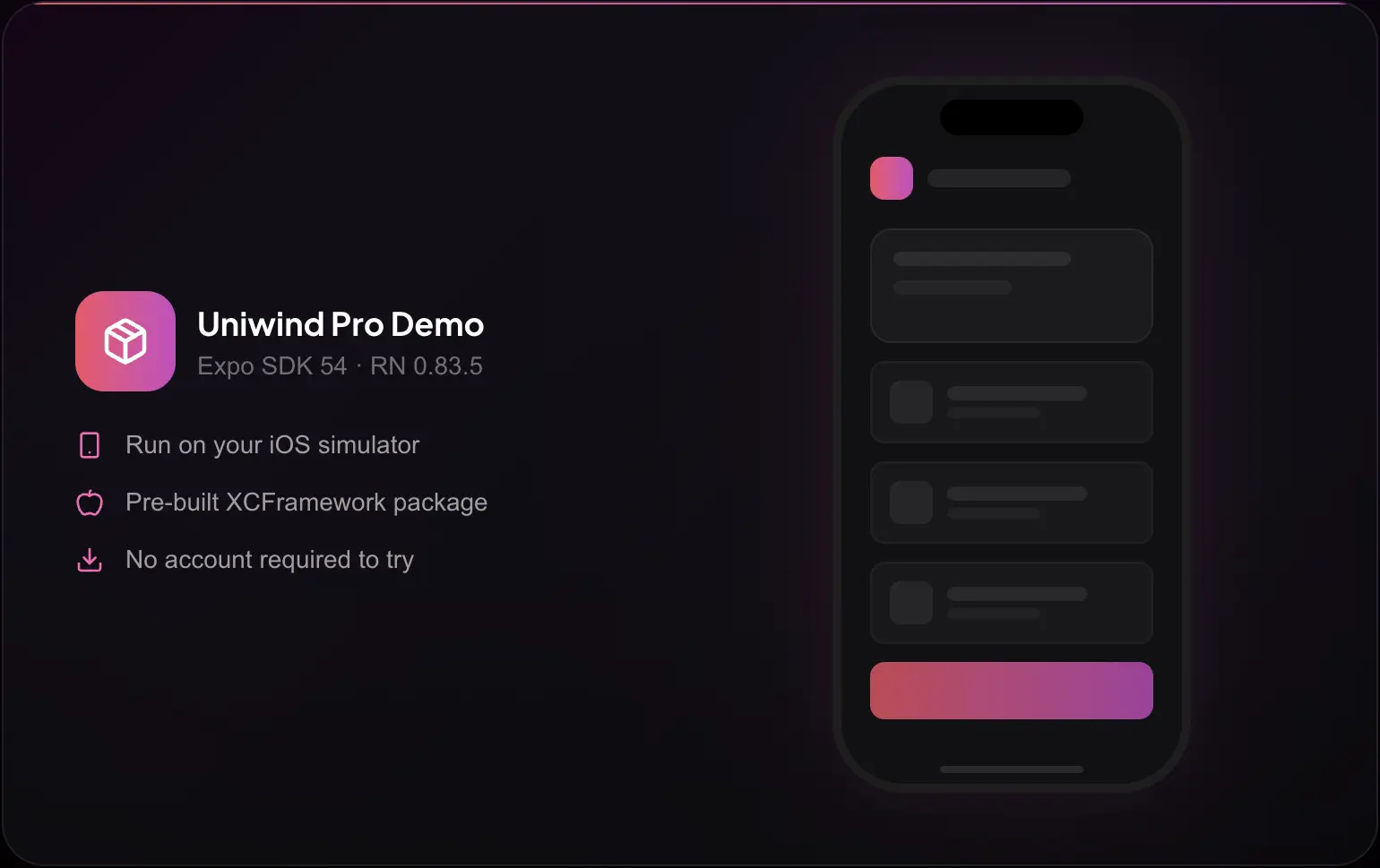
We’ve built a free iOS demo app so you can experience the C++ engine, ShadowTree updates, and animated theme transitions before purchasing. Once you see the polished animations and smooth updates in action, you won’t want to go back.
It’s a pre-built XCFramework compatible with React Native 0.81.5 and Expo SDK 54. It runs on the iOS Simulator with no account or purchase required.
Download the demo from GitHub.
What’s Next?
Pro is in production today, and we’re already working on what’s next:
- Unistyles 4.0: easier Babel setup, better web support, and the most requested feature: Expo Go support
- More native features: native boundaries, parent-children selectors, shared element transitions, and more. Pro subscriptions directly fund the research and development of these advanced capabilities
- Deeper HeroUI Native integration: our collaboration with HeroUI continues to grow, and Pro unlocks new possibilities for their component library. Check out heroui.pro
- Growing the ecosystem: we’re working with more UI kit authors to bring className-first components to React Native
- 1 million weekly downloads: that’s our goal by the end of the year
Thank You
None of this would exist without the people who believed in it from day one.
Thank you to Hubert Bieszczad who co-created Uniwind with me, and for the brilliant Metro plugin that just works. Thank you to our early adopters who stress-tested every release candidate, and to the thousands of developers who gave Uniwind a chance.
To every team that invested their time and money in Uniwind Pro: your support has already covered our costs and allows us to dedicate more time to new features and bug fixes. We truly appreciate it.
Uniwind Pro 1.0.0 is ready for production. If your team ships a React Native app and cares about performance, smooth theme transitions, and className-first animations, this is the upgrade you’ve been waiting for. Moving from NativeWind? Expect up to 5x better performance out of the box.
Buy Uniwind Pro | Try the free demo
Happy coding! 🙏